
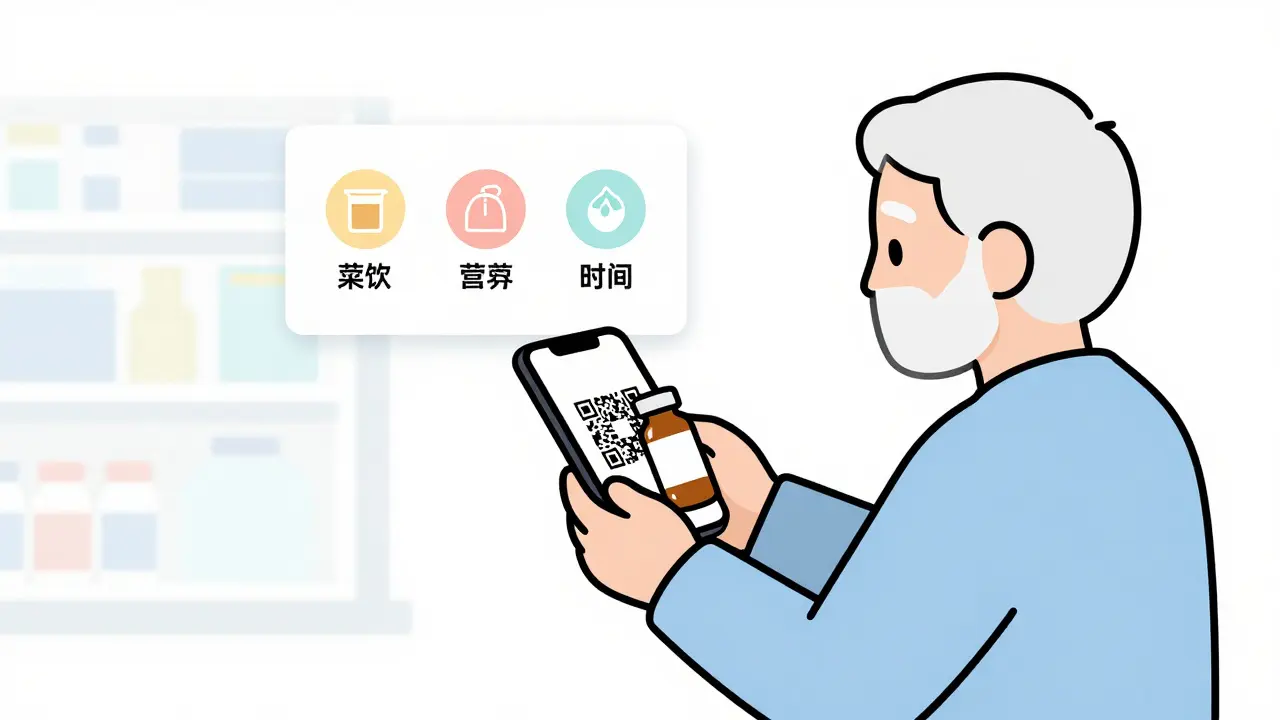
Imagine opening a bottle of your blood pressure medicine and scanning a small square on the label with your phone. In seconds, you see a clear video showing exactly when to take it, what foods to avoid, and what side effects to watch for. No more squinting at tiny print. No more calling the pharmacy with questions. This isn’t science fiction-it’s happening in pharmacies right now, and it’s making medication use safer than ever.
Why QR Codes on Prescription Labels Matter
QR codes on prescription labels aren’t just a trendy add-on. They’re becoming a standard tool to fix real problems: medication errors, poor adherence, and confusing instructions. According to a 2023 study by Freyr Solutions, using QR codes on medication packaging reduced medication errors by 43%. That’s not a small number-it means fewer hospital visits, fewer bad reactions, and more people taking their drugs correctly.
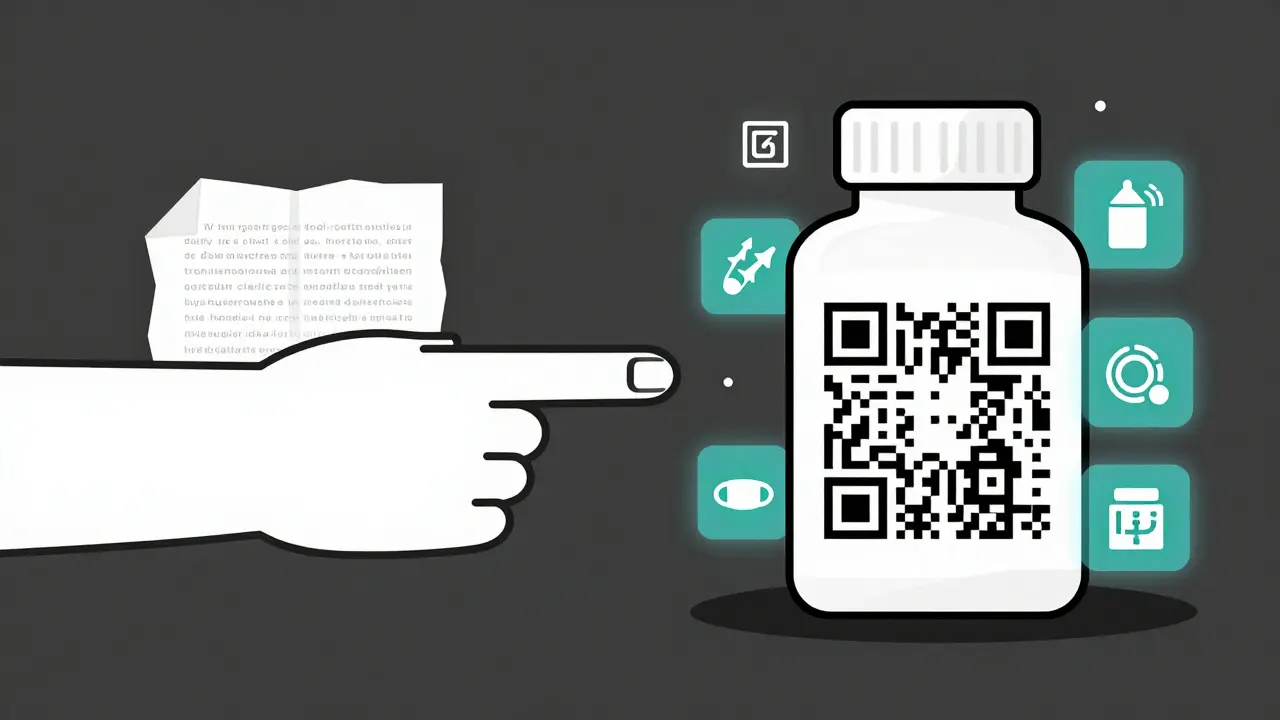
The reason? Traditional paper inserts are hard to read, often lost, and rarely updated. If a drug’s warning changes, the insert in your cabinet stays the same. But a QR code? It can be updated instantly. A pharmacy can push out a new alert about a dangerous interaction, and patients who scan the code the next day see the latest info. That’s powerful.
Static vs. Dynamic QR Codes: What’s the Difference?
Not all QR codes are the same. There are two main types: static and dynamic. Static ones point to one fixed website and can’t be changed after printing. Dynamic ones can be edited anytime-even after the label is printed on a bottle.
In pharmaceutical use, 88% of QR codes are dynamic. Why? Because safety info changes. A drug might get a new black box warning. A patient’s age group might be added to the contraindications. With a static code, you’d have to reprint every bottle. With a dynamic code, you just update the link behind the code. It’s like changing the content of a webpage instead of reprinting a brochure.
Dynamic codes also track who scans them. You can see if a patient in London scanned it at 8 p.m., what phone they used, and if they opened the dosing video. That data helps pharmacies improve their materials and spot patterns-like if older patients are skipping the video because it’s too long.
What Information Should Be in a Digital Prescription Label?
When a patient scans the code, they shouldn’t land on a blank page or a corporate homepage. The landing page must include critical safety info, as required by regulators like Singapore’s Health Sciences Authority and the European Medicines Agency. Here’s what belongs there:
- Indication: What the drug is for (e.g., “treats high blood pressure”)
- Dosing instructions: How much, how often, and when to take it (e.g., “Take one tablet by mouth every morning with food”)
- Contraindications: When NOT to take it (e.g., “Do not use if you have severe liver disease”)
- Warnings and precautions: Red flags like “May cause dizziness” or “Avoid alcohol”
- Drug interactions: Other meds or supplements to avoid
- Overdose info: What to do if too much is taken
Physical packaging still needs the basics printed on it-regulators require that. But the QR code gives you the full picture. Think of the printed label as the summary, and the digital page as the full manual.
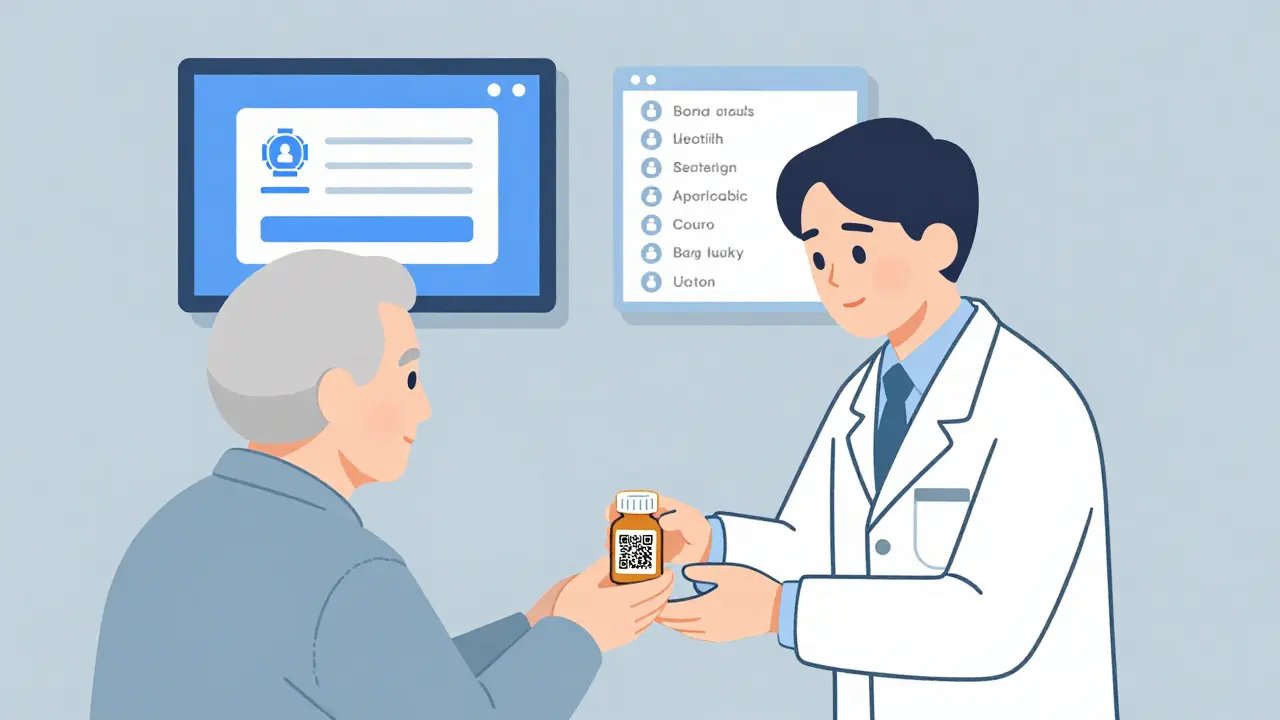
How to Scan a QR Code on a Prescription Label
Scanning should be simple. Most smartphones have built-in scanners now. On an iPhone, just open the Camera app and point it at the code. On Android, most newer phones do the same. No app needed.
But here’s what often goes wrong:
- The code is too small-under 1.5 inches square
- It’s on a curved surface like a vial, and it’s blurry
- The background is too dark or shiny, making it hard to read
- The patient doesn’t know how to use the camera
Best practice? Place the QR code on a flat, clean part of the label-away from folds or seams. Use high contrast: black on white works best. Test it with multiple phones. If your pharmacy uses a system like Clappia or Freyr, they’ve already done this testing. But if you’re setting it up yourself, make sure it scans in low light, at an angle, and on glossy packaging.
Who Benefits the Most?
Patients over 65 are the biggest group that struggles with traditional labels. A 2023 study found 38% of seniors need help scanning QR codes. But here’s the flip side: when they do use them, adherence jumps. DosePacker’s trial showed heart failure patients using QR code labels improved their medication adherence from 62% to 89%. That’s life-changing.
Pharmacists benefit too. One Reddit user, u/MedSafetyPro, said their community pharmacy saw a 63% drop in patient calls after adding QR codes. Fewer questions mean less burnout. ICU nurses using QR-coded IV bags reported a 41% drop in preparation errors.
Even insurance companies win. Better adherence means fewer emergency room visits, which lowers costs. A 2023 study in the Journal of Medical Internet Research showed a 28% improvement in adherence rates with digital labels.
Challenges and How to Solve Them
It’s not perfect. Some patients still can’t use QR codes. Rural areas with poor internet? 23% of patients there struggle to load the digital content. Seniors? Many don’t feel comfortable with smartphones. That’s why the Access Board recommends QR codes alongside audio devices or staff-assisted scanning.
Here’s what works:
- Offer a phone-in option: “Scan the code or call 1-800-XXX-XXXX for help.”
- Train staff: Pharmacists should be ready to scan codes for patients on request. Training takes about 40-80 hours per facility, but it pays off.
- Use multilingual content: New systems auto-detect the phone’s language and show info in Spanish, Mandarin, or Bengali if needed.
- Print a simple fallback: Even with a QR code, always include the most critical info (like dose and warning) in large, clear print.
Cost isn’t a barrier either. A QR code costs about $0.0003 per label. RFID tags? Up to $0.50. QR codes work on every phone made after 2018, and scan success rates are over 95%.
What’s Next for Digital Prescription Labels?
The future is moving fast. By 2026, the EU plans to make QR codes mandatory on all prescription labels. The FDA is already requiring them on medical devices. New tools are popping up: AI-powered interaction checkers that warn you if you’re mixing two drugs, real-time inventory tracking so pharmacies never run out, and dynamic content that updates based on your health record.
One company, Freyr Solutions, just added an AI feature that analyzes your scanned profile and says, “You’re on warfarin-avoid cranberry juice.” Another, Clappia, now tracks if a patient scans their dose at the right time-helping pharmacists catch missed doses before they become problems.
These aren’t gimmicks. They’re tools that turn a passive label into an active safety net.
Getting Started: A Simple 6-Step Plan
If you’re a pharmacy, clinic, or even a patient advocate looking to adopt this, here’s how to start:
- Check your regulations: Know what your region requires (e.g., Singapore’s e-labeling rules, EU guidelines).
- Choose a platform: Pick a trusted system like Clappia, Freyr, or Sona QR. Avoid DIY tools-pharmaceutical use needs compliance.
- Build your content: Write clear, plain-language info. Avoid medical jargon. Use bullet points and short videos.
- Test the scan: Try it on 10 different phones. Test in bright light, dim light, from 6 inches and 10 feet away.
- Train your team: Spend 4-8 hours per staff member on hands-on practice. Include how to help patients who struggle.
- Launch and monitor: Track scan rates, patient feedback, and error reports. Adjust your content every quarter.
Don’t wait for a mandate. The tools are here. The data proves they work. And patients are ready for simpler, safer medication use.
Can I use any QR code generator for prescription labels?
No. Generic QR generators don’t support the security, compliance, or analytics needed for pharmaceutical use. You need a platform designed for healthcare-like Clappia, Freyr, or Sona QR-that ensures HIPAA/GDPR compliance, allows dynamic updates, and tracks scans securely. Using a free tool risks patient data exposure and regulatory violations.
Do I need an app to scan a prescription QR code?
No. Most smartphones built after 2018 can scan QR codes using the built-in camera app. On iPhones, just open the Camera app and point it at the code. On Android, the same works on most models. No download is needed unless the landing page requires a login-then you’ll need the pharmacy’s app.
What if the QR code doesn’t scan?
If the code doesn’t scan, check the lighting, clean the phone’s camera lens, and try holding it steady. If it still fails, contact the pharmacy-they should have a printed backup with all safety info. Pharmacies are required to provide this info in print even if they use QR codes. Never assume the digital version is the only option.
Are QR codes safe for my personal data?
Yes-if you use a compliant system. Legitimate pharmaceutical QR codes don’t collect personal data just by scanning. They open a public webpage with medication info. If you’re asked to log in or enter personal details, that’s a separate secure portal, not part of the QR code itself. Always check the URL before entering any info-it should match your pharmacy’s official domain.
Can QR codes replace printed labels entirely?
No. Regulations in the U.S., EU, and Singapore require key safety information (dose, warnings, contraindications) to be printed on the packaging. QR codes are a supplement-not a replacement. This ensures accessibility for people without smartphones or internet access.
How do I know if my pharmacy uses QR codes?
Look for a small square black-and-white code on the label, usually near the barcode. It might say “Scan for more info” or have a smartphone icon. If you don’t see one, ask your pharmacist. Many community pharmacies in the UK and US have started using them since 2023, especially for chronic medications like diabetes or heart drugs.


Written by Felix Greendale
View all posts by: Felix Greendale